![full-logo-black (3)-1.png]](https://support.bizzycar.com/hs-fs/hubfs/full-logo-black%20(3)-1.png?height=40&name=full-logo-black%20(3)-1.png)
Installation and Activation
1. Download the App
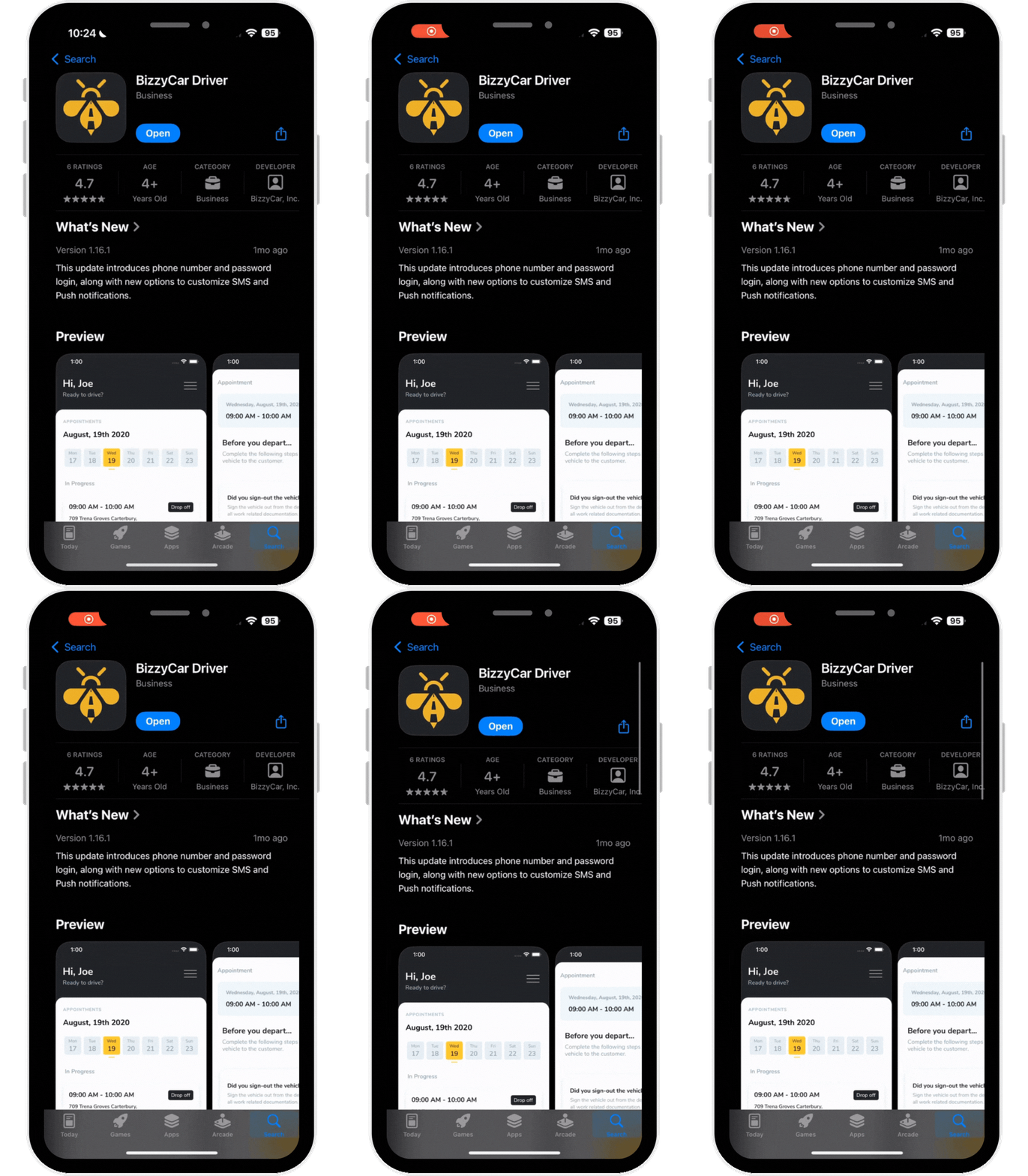
To get started, download the BizzyCar Driver App from the App Store or Google Play.
2. Verify Your Registered Number
Open the installed App from your mobile phone. Type in your registered mobile number and click Verify.
.gif?width=170&height=291&name=HB%20Assets%20for%20Text%20Version%20(1).gif)
3. Link to Complete Activation
You will receive an SMS confirming your request to access the app. The SMS will include a login link. Tap the link to complete activation.
.gif?width=170&height=291&name=HB%20Assets%20for%20Text%20Version%20(4).gif)
4. Access Your Appointments
After a successful activation, you'll then be redirected to your appointments for the day.
.gif?width=170&height=291&name=HB%20Assets%20for%20Text%20Version%20(5).gif)
Still need help logging in? Contact BizzyCar support today.